
from Etsy to your first price
How it works
There's no account to make and nothing to download. Here's the whole thing, start to finish, including how to keep your work safe.
-
01
Buy, then open your link
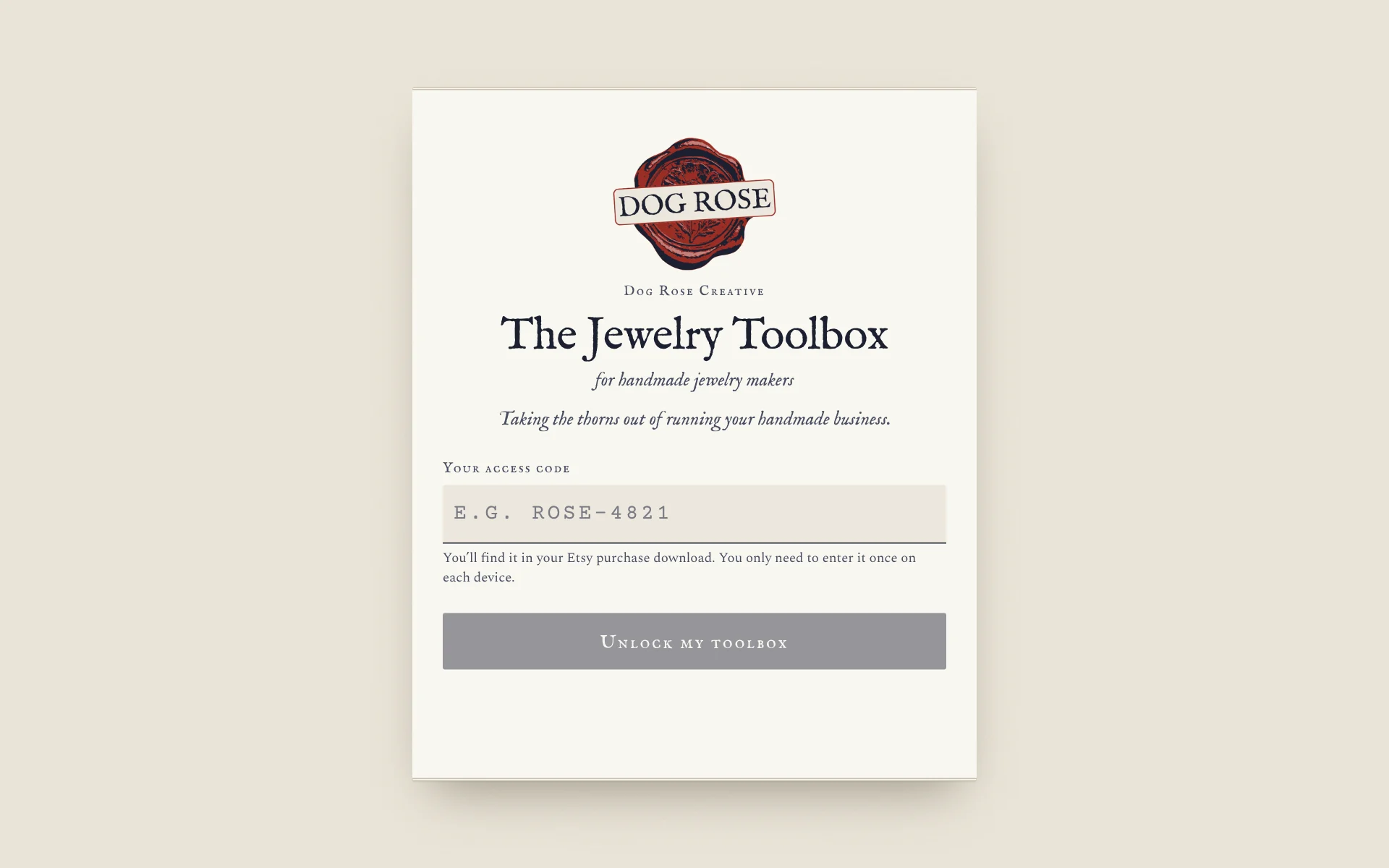
Buy your edition on Etsy. Your order comes with your own toolbox link and a personal access code.
Open the link and enter your code. You only do this once on each phone or computer.
-
02
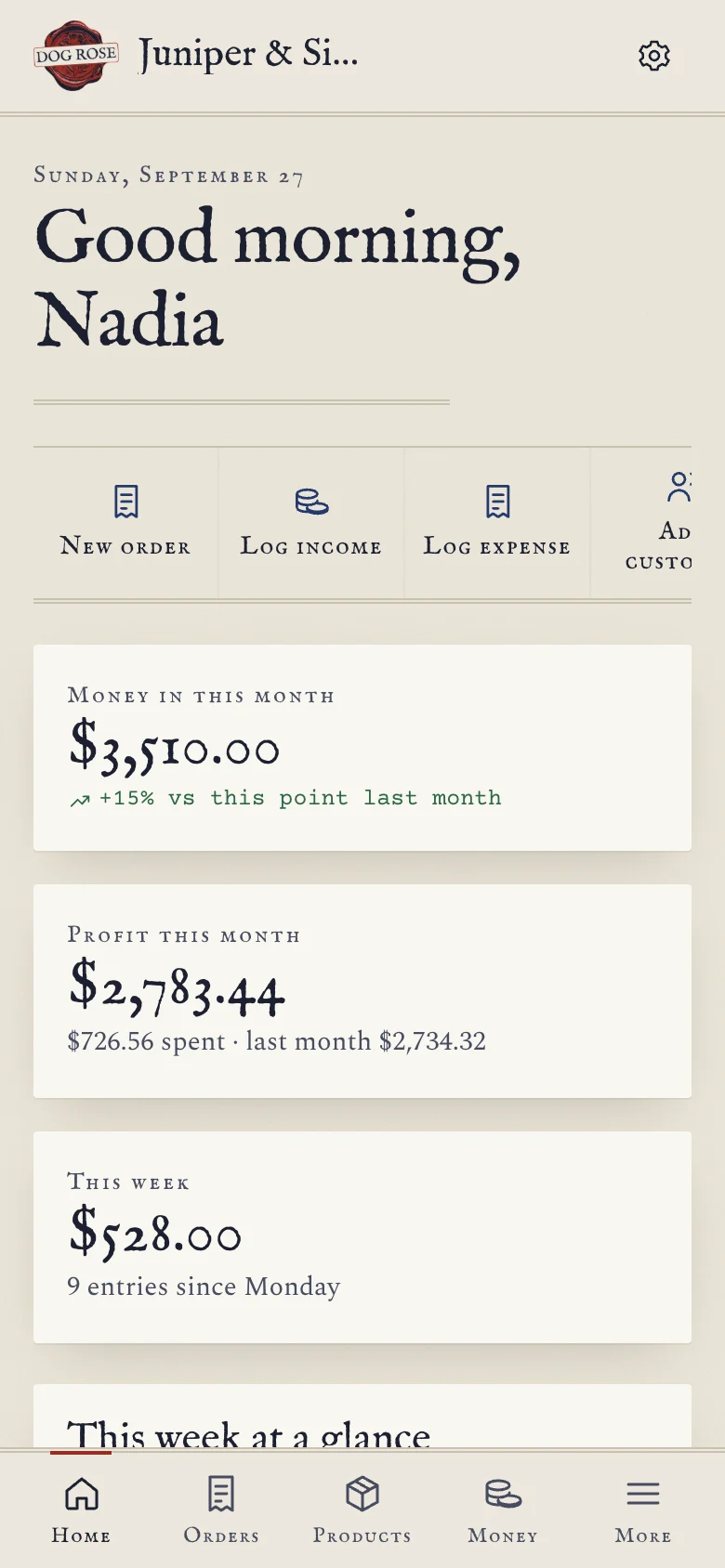
Add it to your home screen
On an iPhone or iPad, open your link in Safari, tap Share, then Add to Home Screen. On Android, open it in Chrome, tap the menu, then Install app. On a computer, bookmark it or use the install button in the address bar.
From then on it opens like any other app, and it works without internet.
-
03
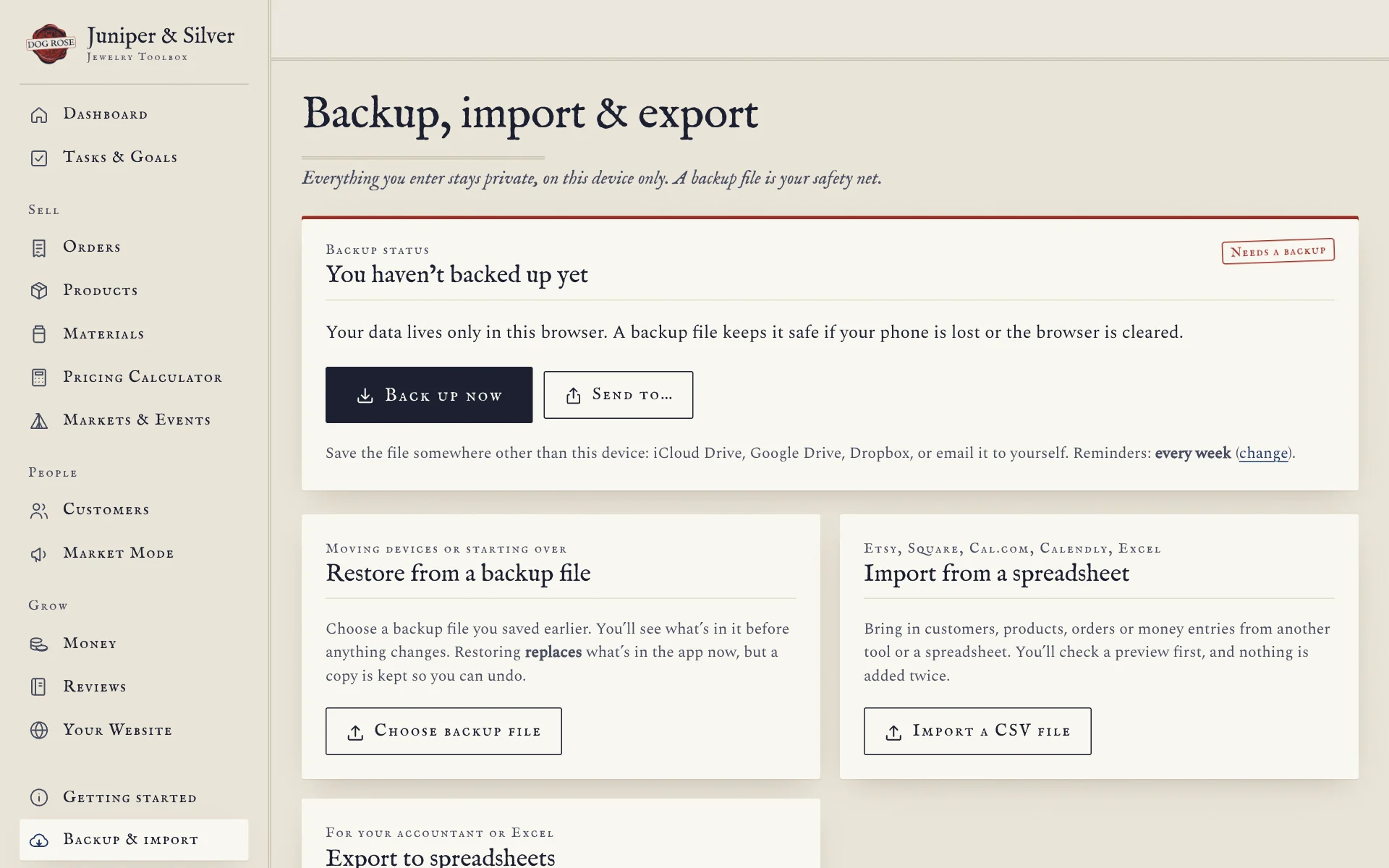
Back up your data
Everything you enter is saved in your browser on this device. That keeps it private. It also means that clearing your browser's data, or switching computers, can leave it behind.
So once a week, tap the backup status at the top of the screen and choose Back up now. Save the file somewhere safe, like iCloud Drive, Google Drive or an email to yourself. The status turns amber, then red, when a backup is due, and the app reminds you.
BACK UP OFTEN
-
04
Updates and new devices
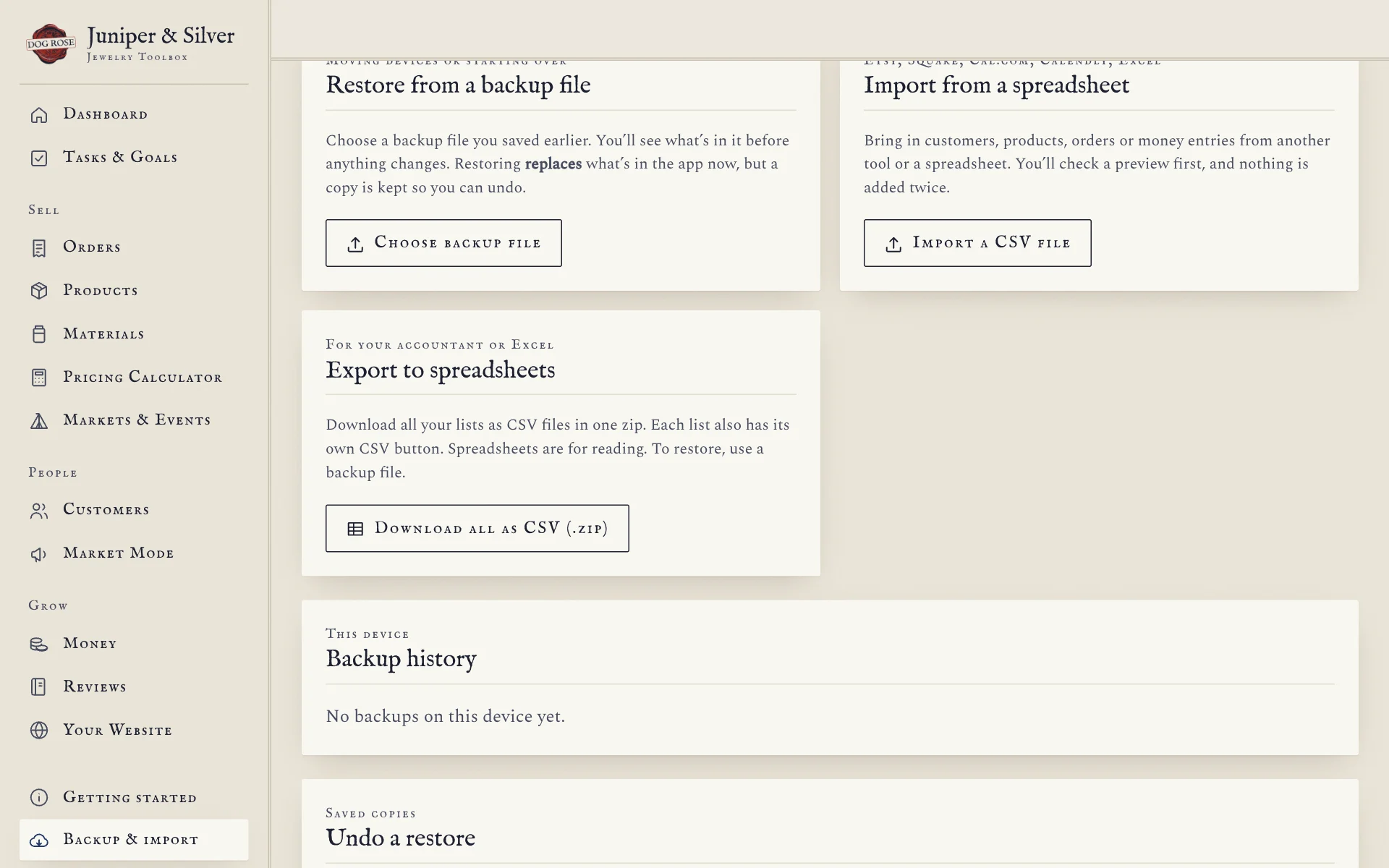
Updates arrive by themselves the next time you open your toolbox with internet. Your data isn't touched.
Moving to a new phone or computer? Make a backup on the old one, open your link on the new one, enter your code, then choose Restore from a backup file. Everything carries straight over.
Questions
Small print, in plain words
Can I use it on two computers?
Each device keeps its own copy of your data. To move it, back up on the first device and restore on the second. Check the license for how many devices one purchase covers.
What if I forget to back up?
Your data stays put as long as you use the same browser on the same device and don't clear its site data. A backup is your safety net if that changes.
Do I need the internet to use it?
Only the first time you open it. After that it works anywhere, even at a market with no signal.
I'm stuck. Who do I ask?
Me. Write to hello@dogrosecreative.com and tell me which edition you have and what happened. More on support.